ReDist
ReDist workspace

Help

Help

Guides for suppliers, recipients, administrators, and pilot users.

Back to workspace
User manual languageShow either Arabic guidance or English guidance.
Quick Start Guide

Quick Start Guide

Start with the safest first workflow: access, dashboard, first action, and attention queues.

  1. Use the public site to understand ReDist, the Supplier and Recipient roles, and the current pilot status.
  2. Choose the Supplier or Recipient guide for the responsibilities relevant to your organization.
  3. Review the certificate, data, safety, and eligibility boundaries before registering interest.
  4. Use the public contact form only for a non-sensitive information request; it does not create access or participation.
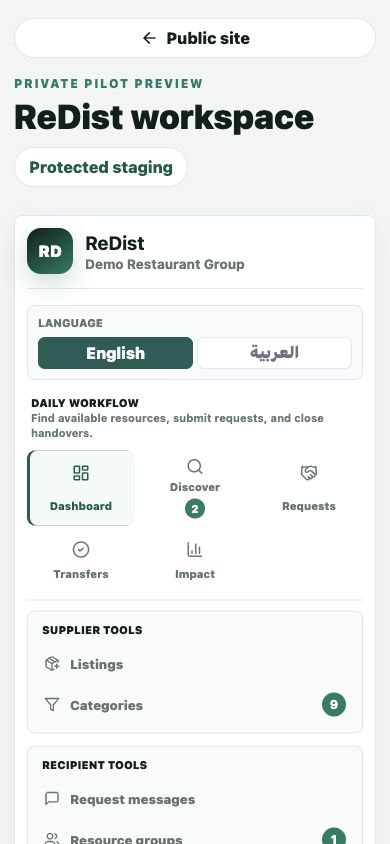
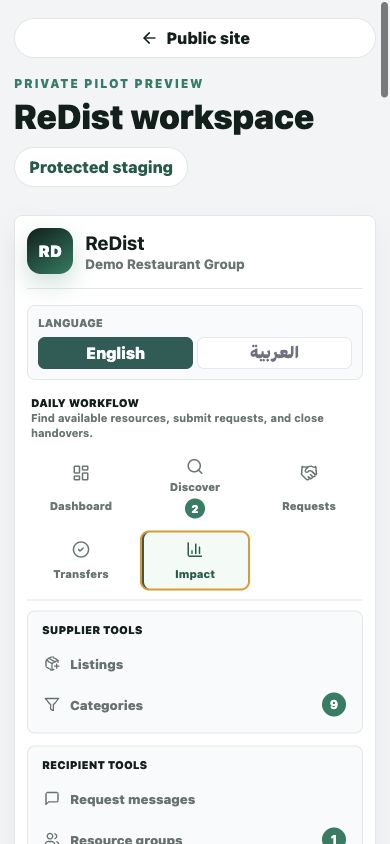
Quick Start Guide screenshot
User Manual

User Manual

Understand the public ReDist workflow, participant responsibilities, certificates, and impact evidence boundaries.

  1. Understand the seven public stages from eligible surplus through recorded evidence and impact reporting.
  2. Confirm whether your organization would act as a Supplier or Recipient and review that role's responsibilities.
  3. Register interest only if the future controlled pilot model may fit; no account is created.
  4. Treat certificates as operational records and impact as evidence-based reporting, not external approval or assurance.
User Manual screenshot
Supplier Guide

Supplier Guide

For organizations that have surplus resources and need to publish, approve, and hand over safely.

  1. Create a listing with name, quantity, condition, location, urgency, and handover notes.
  2. Review incoming requests before any resource moves forward.
  3. Accept, decline, or clarify requests based on operational fit.
  4. Complete verification after handover so evidence can be recorded.
Supplier Guide screenshot
Recipient Guide

Recipient Guide

For organizations that need resources and want to discover, request, and track handovers.

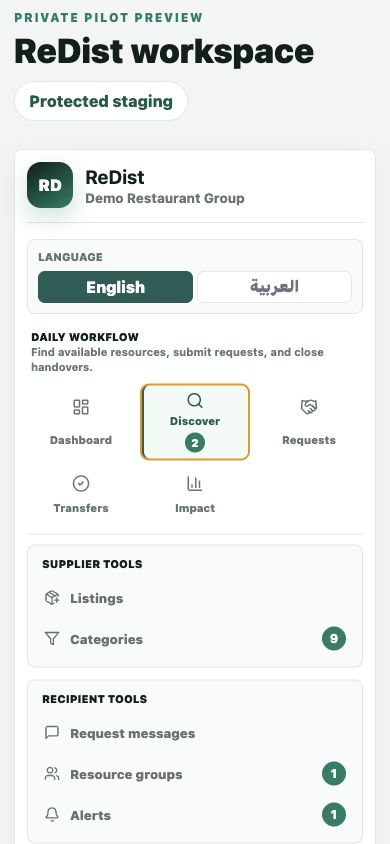
  1. Use Discover to filter resources by category, location, urgency, and availability.
  2. Review quantity, supplier, condition, and pickup readiness before requesting.
  3. Submit a clear request message with the required quantity.
  4. Track supplier response and transfer status through handover and verification.
Recipient Guide screenshot
Requests and Transfers

Requests and Transfers

Separate what needs your action, what is waiting on others, and what has been completed.

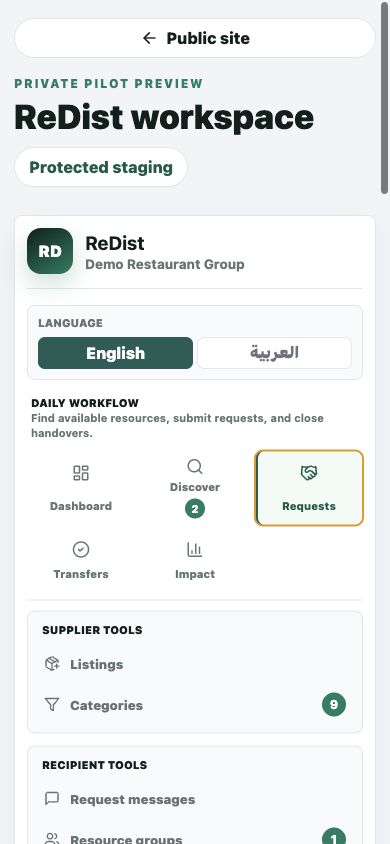
  1. Open Requests to review approvals, scheduling, and verification needs.
  2. Use Transfers for accepted handovers and completion confirmation.
  3. Keep completed or closed requests separate from active work.
  4. Use certificate evidence only when the transfer workflow is complete.
Requests and Transfers screenshot
Certificates and Impact

Certificates and Impact

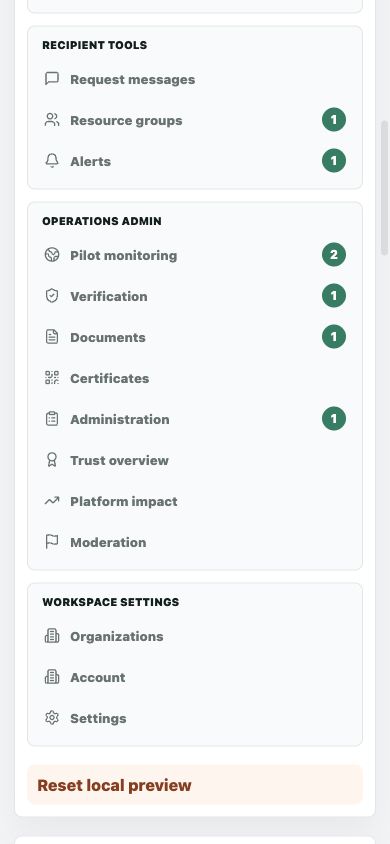
Review operational evidence, value recovered, redistributed items, and waste diversion carefully.

  1. Open Certificates to review QR-verifiable transfer evidence where available.
  2. Open Impact after completed transfers to understand value and outcome evidence.
  3. Treat impact values as platform-supported estimates unless independently audited.
  4. Do not use certificates as legal guarantees, tax receipts, or audited ESG certificates.
Certificates and Impact screenshot
Verification and Onboarding

Verification and Onboarding

Understand the future controlled path from interest to separate activation approval.

  1. Registering interest does not make an organization active or approved.
  2. If the pilot later opens, the organization and an authorized work representative are reviewed.
  3. Applicable participation requirements and role-based training must be completed separately.
  4. Activation requires an explicit approval; it is never automatic from an inquiry or conversation.
Verification and Onboarding screenshot
Support and Password Recovery

Support and Password Recovery

Use the controlled support route for access, workflow, certificate, or security issues.

  1. For password recovery, use the ReDist reset page and only its time-limited secure link.
  2. Never send passwords, recovery links, personal IDs, or unnecessary sensitive documents to support.
  3. Include the organization, page, workflow reference, current state, and expected next action.
  4. Use urgent escalation only for critical security or unsafe active-operation concerns; ReDist does not claim 24/7 support.
Support and Password Recovery screenshot
Pilot and Operational Responsibilities

Pilot and Operational Responsibilities

Know the participation boundary before any listing, request, or handover.

  1. Organizations retain responsibility for eligibility, condition, storage, handling, transport, acceptance, and internal approvals.
  2. Stop and escalate an unsafe, unclear, restricted, or unauthorized activity.
  3. A ReDist status, notification, or certificate is operational workflow evidence, not a safety or regulatory guarantee.
  4. Pilot participation requires separately approved terms and activation; requesting information does not create participation.
Pilot and Operational Responsibilities screenshot
FAQ

Common pilot questions

Selected questions from the public FAQ, with the full FAQ available as a dedicated page.

Open FAQ
What is ReDist?

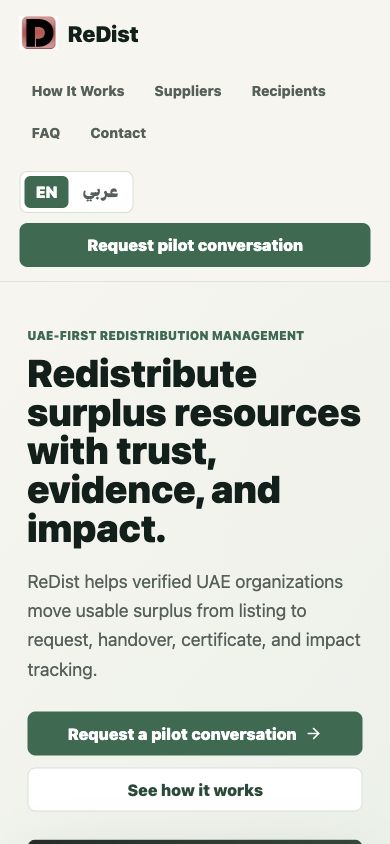
ReDist is a UAE-first redistribution management platform for verified organizations. It helps organizations list surplus resources, discover available resources, submit requests, coordinate handovers, verify completion, and track impact evidence.

Is ReDist a marketplace?

ReDist is not designed as a consumer marketplace. It is an organization-to-organization redistribution workflow built around trust, approval, handover evidence, and impact visibility.

Who can become a supplier?

UAE organizations with usable surplus may apply for pilot consideration. Early supplier fit depends on category safety, responsible contact availability, and willingness to complete one guided workflow.

What can suppliers list?

Pilot-safe examples include furniture, fixtures, reusable warehouse materials, cartons, bins, non-sensitive equipment, and packaged non-perishable supplies.

Who can become a recipient?

Recipients may include NGOs, charities, community organizations, schools, training centers, social enterprises, or approved organizations with real resource needs.

How do recipients find resources?

Recipients use Discover to view available surplus by practical details such as category, location, quantity, condition, urgency, and supplier context.

Founder support

Need help during the pilot?

Contact the founder with the page name, organization, request or transfer reference, screenshot, and the next action you expected.

  • For access issues, include the email address and organization name.
  • For request or transfer issues, include the request reference and current status.
  • For certificate questions, include the certificate or transfer reference.